
AI Photo Studio · Desktop App

DEVELOP YOUR VISION.

Non-destructive RAW editing. Computational photography. Generative AI. One credit per result — you pay only when it delivers.

$0.20 per AI result
0 silent burns
100% offline editing
SHA256 verified updates
f/
Synthetic depth-of-field
Apply f/1.4 bokeh to any photo after the shot
AI
EV
Scene-aware exposure
Recover blown highlights with texture, not grey
AI
HSL
8-channel color mixer
Surgical hue, saturation & luminance per range
RAW
Generative upscaling
Text-to-image, retouch, 4× upscale in one tool
GEN
Offline Darkboard
Full non-destructive pipeline, no internet needed
LOCAL
After Before
Darktable-grade Tone Curve Aperture after shot HSL Mixer · 8ch AI Smart Adjust Noise Reduction Computational photography Film Grain Graduated Filter 4× Upscale SHA256 verified Non-destructive Offline editing Success-based billing Darktable-grade Tone Curve Aperture after shot HSL Mixer · 8ch AI Smart Adjust Noise Reduction Computational photography Film Grain Graduated Filter 4× Upscale SHA256 verified Non-destructive Offline editing Success-based billing

What you actually get

Bend the physics
of photography.

A full professional darkroom pipeline, online-offline. From RAW development to AI generation in one app.

01

Darktable-grade develop suite

Full non-destructive pipeline: white balance, multi-point tone curve, HSL color mixer, clarity, dehaze, texture, vignette, film grain — running entirely on your machine.

02

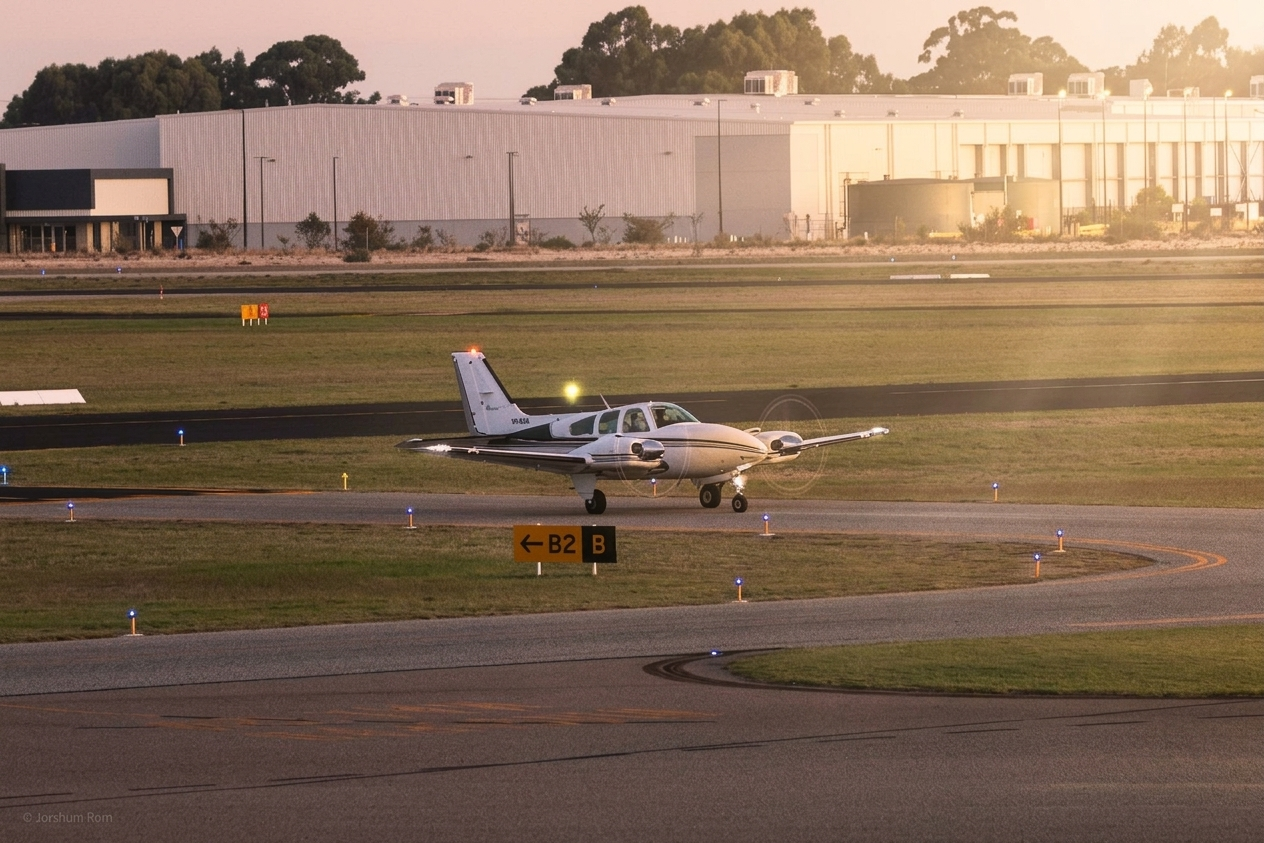
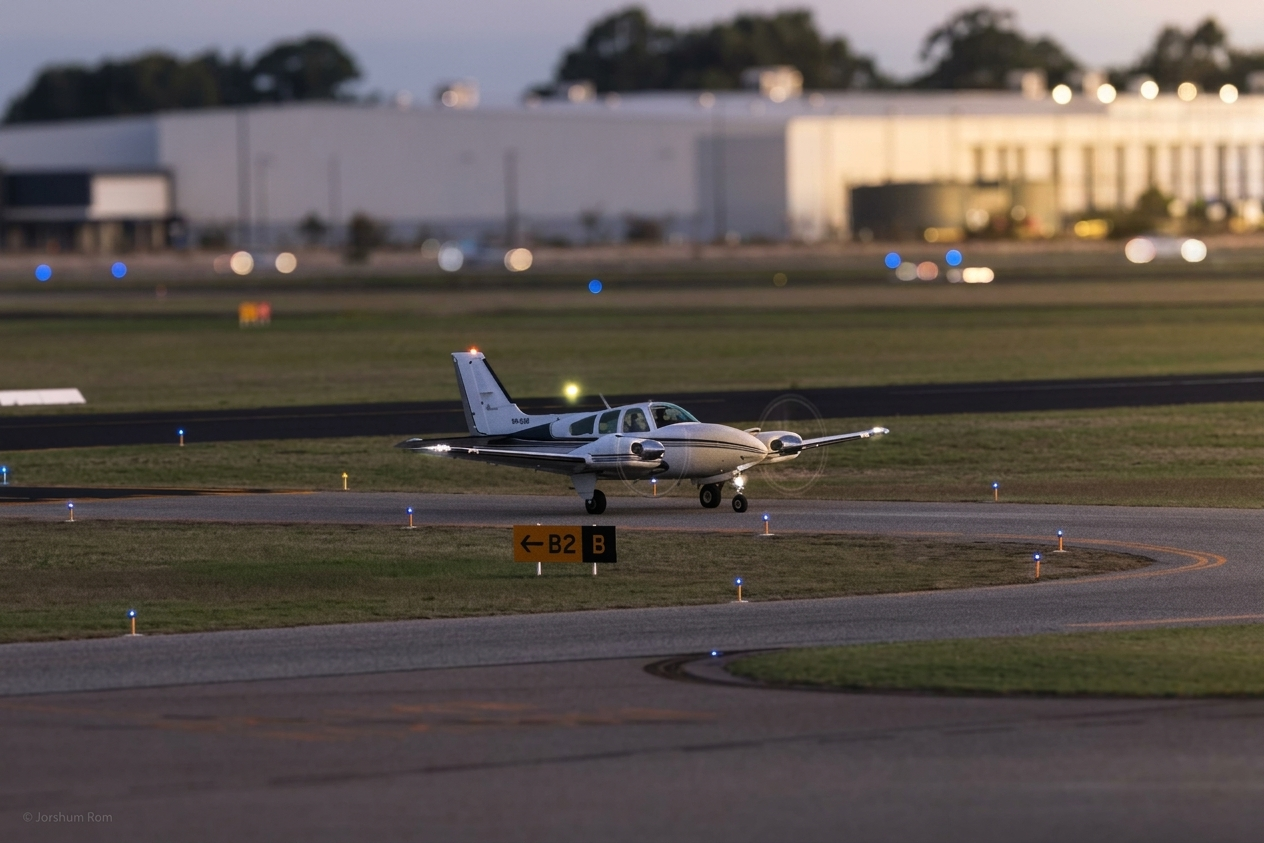
Change aperture after the shot

Apply f/1.4 shallow depth-of-field synthetically to any JPEG or PNG. The AI understands scene depth — not just applying a blur filter.

After Before
03

Rewrite exposure — retroactively

Shot the sky two stops over? Scene-aware relighting recovers blown cloud texture while preserving shadow detail below. Not a slider. A second take.

04

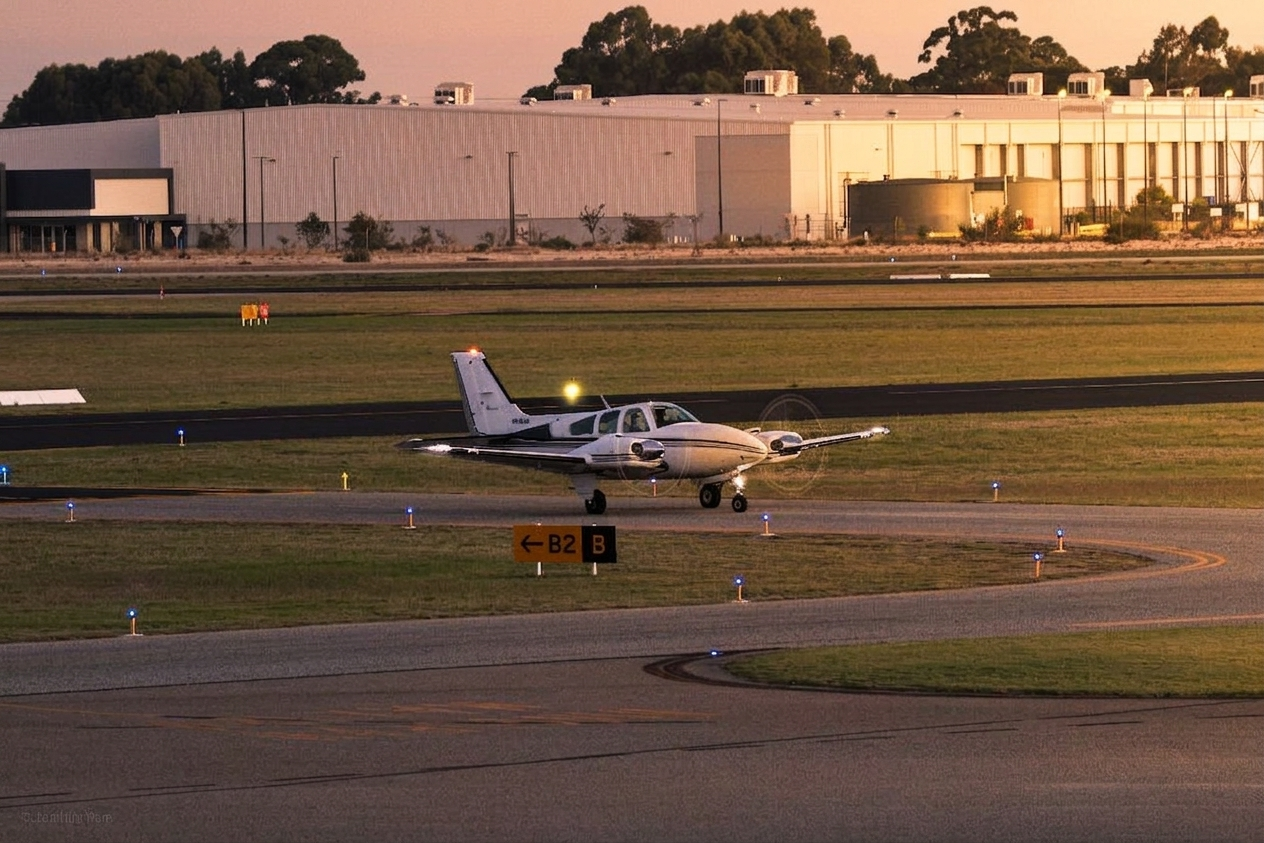
8-channel HSL color mixer

Independent hue, saturation, and luminance per color range. Shift a golden-hour sky without moving skin tones by a degree. Surgical grading, no global filters.
After Before
05

AI Smart Adjust

The AI reads your histogram, analyzes scene content, and pre-populates every slider — temperature, exposure, shadow lift, clarity — calibrated to your specific image.

06

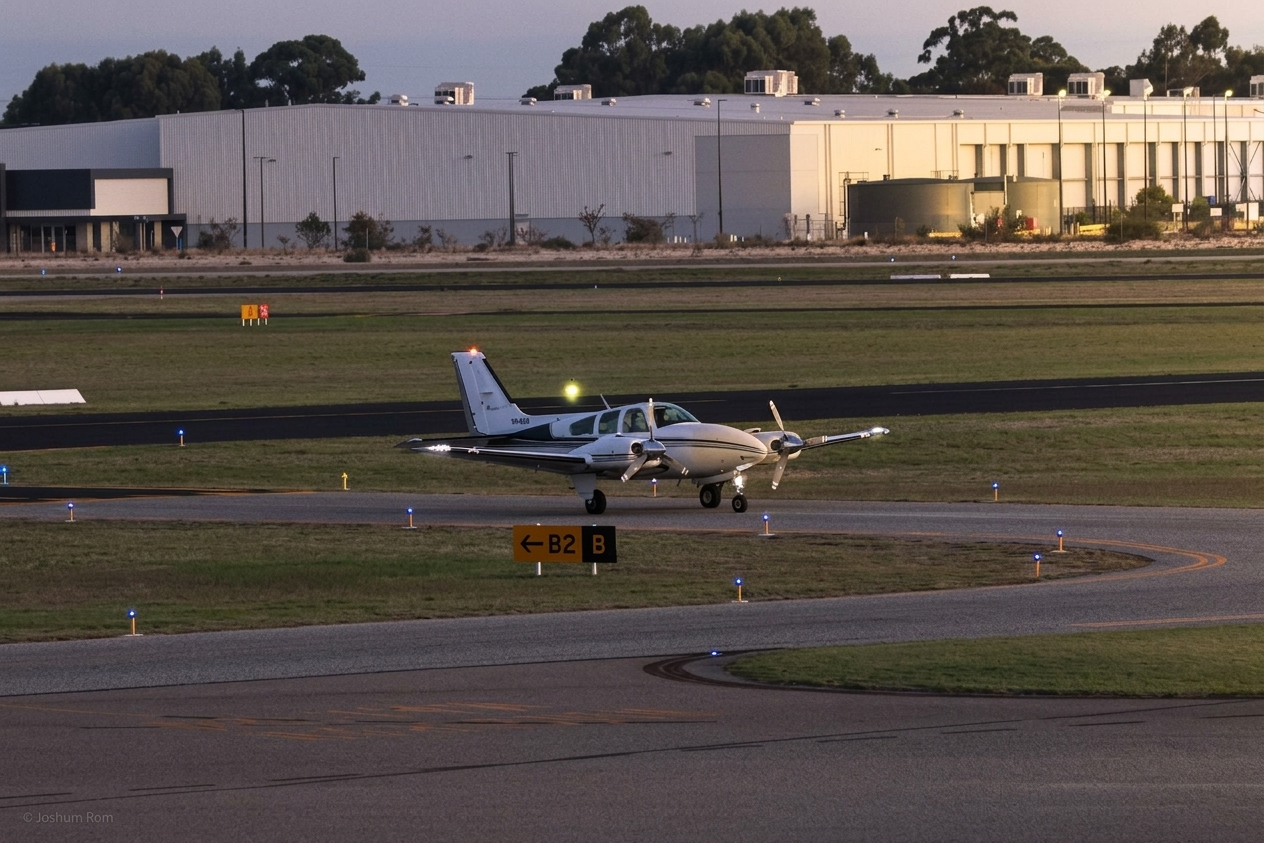
Generate, retouch & upscale

Text-to-image, inpainting, portrait retouching, 4× upscaling. All on the same credit. You only pay when the AI returns a result worth keeping.
After Before

Success-based billing

ONLY WHEN IT WORKS.

We charge one credit only when the AI produces a valid, usable result. Zero silent burns — guaranteed. You only pay for success.

$
$0.20
per successful image · credits never expire
0
Zero burns
you only pay when the generation is successful
Roll over
monthly credits carry forward — nothing expires
See full pricing →

Computational photography

The shot you wished you took.

Physics limited the moment. Tantalum doesn't. Apply narrow depth of field to an already-taken portrait. Add golden-hour light to a flat overcast. Extend shutter to silken water. The AI understands the scene — not just the pixels.

Try it free See plans
f/1.4
Synthetic shallow depth-of-field
Any JPEG or PNG. No RAW file required.
1/8s
Motion blur simulation
Long-exposure silkiness added after the shot.
+3EV
Scene-aware exposure recovery
Blown skies restored with texture, not grey.
HSL
8-channel color surgery
Move one color range without touching another.

Simple to start

Three steps.
One workflow.

1

Download & sign in

Install the app for free. Click "Sign in with browser" — your browser opens, you authenticate, and credentials flow back automatically. No API keys to manage.

2

Edit in the Darkboard

Open any photo in the fully offline Darkboard. Adjust tone curve, HSL, clarity, vignette, graduated filter — all non-destructive with undo/redo and compare mode.

3

Generate with AI

Use Generator, Touch-up, Scribl, or Upscaler. One credit deducted only on success. Watch results stream in live. Export full-resolution — yours to keep.

Available now

Download
Tantalum.

Free to install. Offline editing needs no account. Cloud AI features require sign-in. Auto-updates verified by SHA256.

Releases at github.com/edisonrees/tantalumReleases · checksums published alongside every binary

Questions

Answered,
briefly.

What counts as a successful generation? +
When the server receives a valid AI response — an image or text result. You only pay when it delivers.
How do I sign in to the desktop app? +
Click "Sign in with browser" in Tantalum. Your default browser opens, you authenticate (email or Google), and credentials flow back automatically through a temporary localhost listener. No copy-pasting tokens.
Can I top up without a subscription? +
Yes. Top-up credits cost $0.20 each, roll over indefinitely, and never expire while your account is active. No subscription required.
Does the Darkboard work offline? +
Fully. The Darkboard editor — tone curve, HSL, clarity, vignette, graduated filter, histogram, compare mode — runs 100% on your machine with no internet or account required.
How does the auto-updater work? +
On launch, Tantalum SHA256-hashes its own binary and compares it to the checksum on the latest GitHub release. If they differ, it downloads the new binary, verifies the hash a second time before swapping, then relaunches. The running binary is never overwritten mid-execution.

READY TO
DEVELOP?

Download free. Edit offline immediately. Add credits when you're ready to use AI.